A well-designed business card leaves a strong first impression and reinforces your brand. Canva makes it simple to create print-ready cards using UK sizing, brand elements, and digital enhancements like QR codes.
In a world dominated by digital communication, a well-designed business card still holds weight. It’s a tangible reminder of who you are, what you do, and how to get in touch. Whether you’re a freelancer, small business owner, or part of a growing company, learning how to design business cards using Canva gives you full creative control—without the need for professional design software.
In this guide, you’ll discover how to:
Let’s get started on creating a business card that leaves a strong impression.
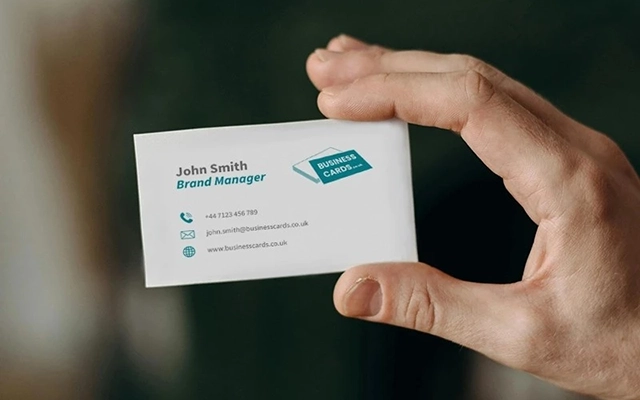
Before you start designing, it’s important to choose a template that matches UK business card dimensions. The UK standard size is 85mm × 55mm, and Canva offers a variety of templates that support this format.
Getting the dimensions right from the outset will help ensure a smoother print process and a more professional final product.
Now it’s time to make the design your own. A strong business card reflects your brand personality and communicates essential details clearly.
Design checklist:
Make your business card more functional by integrating digital elements that drive engagement.
Digital touches like these make it easier for recipients to connect with you across platforms.
To achieve a sharp, professional finish, your final file must meet print specifications.
How to export:
Final checks before export:
Canva’s free version is a great starting point, but Canva Pro offers tools that can streamline the process and improve brand consistency—especially for businesses managing multiple designs.
If you regularly create marketing materials or need multiple versions of a card, Canva Pro offers long-term value and efficiency.
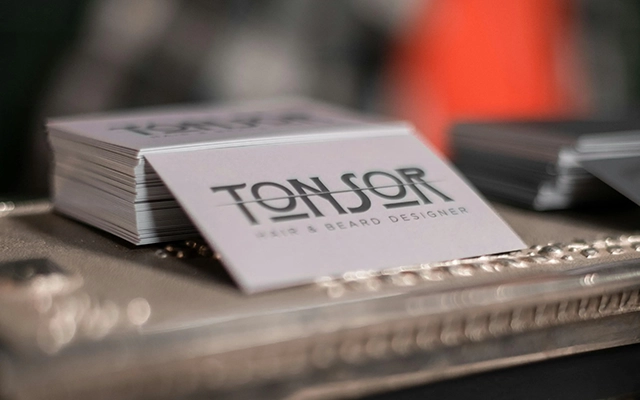
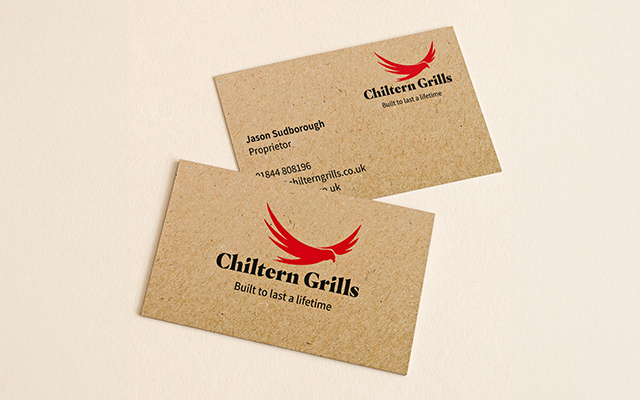
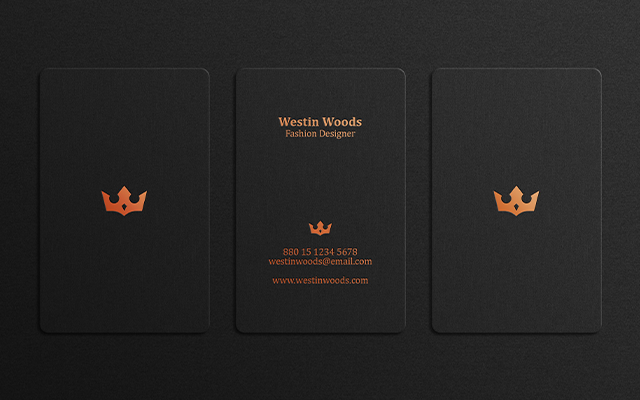
A business card isn’t just a contact tool—it’s a visual extension of your brand identity. Creative formats like rounded corner business cards or folded business cards can also help your design stand out while remaining professional and practical.
Before sending your card to print or sharing it digitally, take a few minutes for a final quality review.
Designing business cards in Canva is a simple yet powerful way to take control of your professional image. By using the right template, applying your brand assets, and following best practices for layout and export, you can produce print-ready business cards that support your goals—whether you’re networking, packaging products, or preparing for an event.
Ready to create your own? Open Canva now and start designing with confidence. Once you’re done, take a look at our business stationery printing services to bring your design to life!

Business Cards UK
Unit 4-10 Stanton Road Ind. Est.
Stanton Road
Southampton
Hampshire
United Kingdom
SO15 4HU
© businesscards.co.uk 2026 | Unit 4-10 Stanton Ind. Est, Southampton, Hampshire, UK SO15 4HU